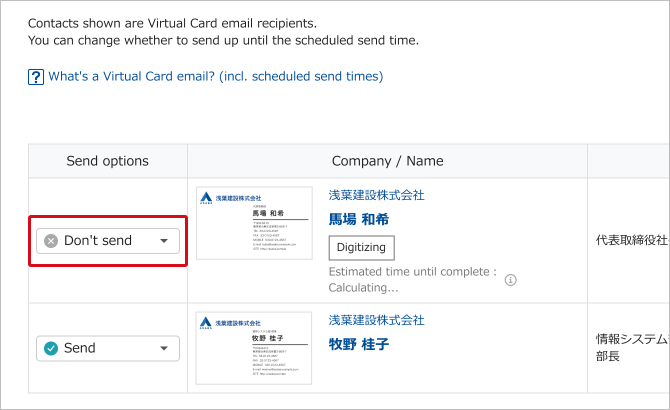
This page explains how Virtual Card email users can set whether emails can be sent for each contact registered in Sansan.
※ See here for details about Virtual Card emails.
Steps
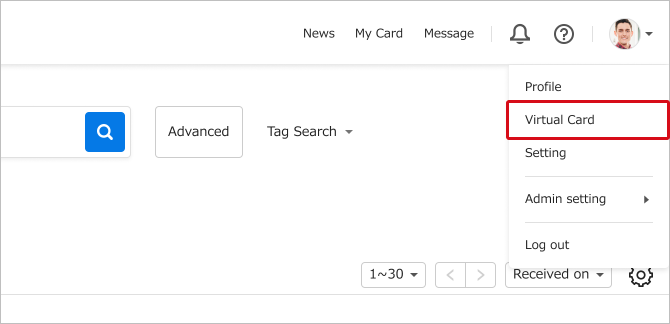
1. Click the user icon > Virtual Card.
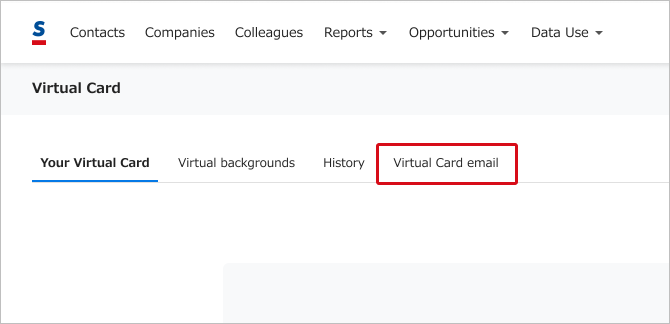
2. Click "Virtual Card email".
3. From the displayed contact list, change the send setting of specific contacts as necessary.